Published OnSeptember 4, 2026August 21, 2026
Ditto SDK 5.1 - Faster Queries. Better Query Engine.
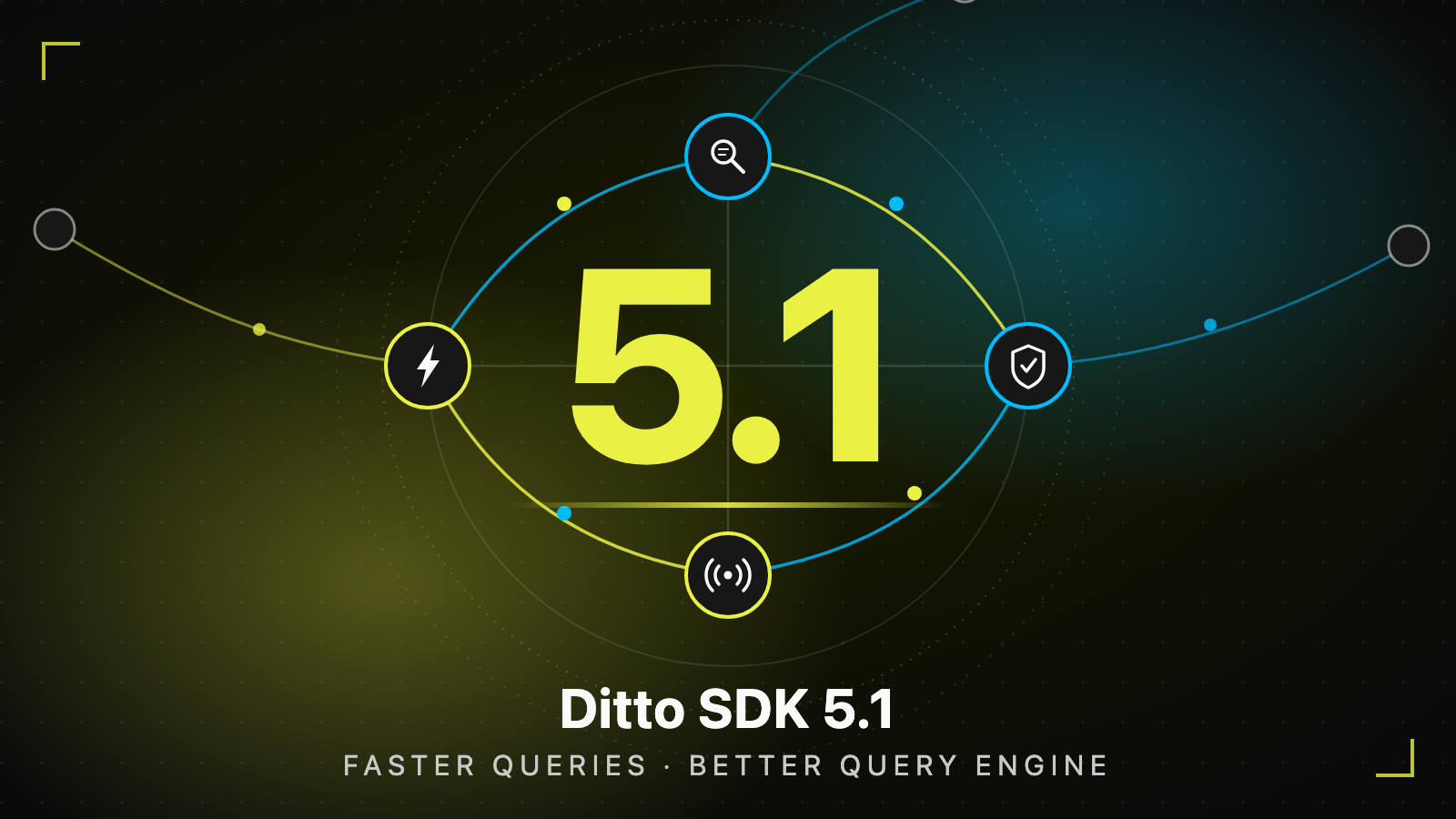
Ditto SDK 5.1 ships 189 improvements: dramatically faster local queries, new query capabilities like joins, mesh-wide certificate revocation, production troubleshooting, and data sync over multicast in beta.


Most applications need an Internet connection to work, and many don't have a real backup plan when the Internet goes down. Ditto is built for the applications that need to work 24/7/365 to keep businesses and field operations running.
Ditto's SDK goes inside an app running on phones, tablets, radios, laptops, or servers. It lets those devices form a peer-to-peer network over whatever links are available: Bluetooth, Wi-Fi, a local network, cellular, and the Internet. When one network path degrades, Ditto fails over to another automatically. Devices stay connected to each other even with no Internet at all.
Each device keeps working on its own, and when devices come back into contact, Ditto merges everyone's data changes automatically, and it repairs anything that went missing. No conflicts to resolve, no waiting on the cloud. That's what keeps ordering systems, ship operations, and battlefield communications running when connectivity doesn't cooperate.
Today we're releasing Ditto SDK 5.1, and it is a big one:
- 77 platform-level enhancements that benefit every application
- 112 improvements and updates across 10 SDKs
Ditto SDK 5.0 introduced a new foundation for building edge applications. Ditto SDK 5.1 takes that foundation and makes it faster and stronger.
The key takeaway: existing applications get better performance and more efficient memory usage on the same hardware simply by upgrading to SDK 5.1.
JOIN combines related entries in your database with one query. ADVISE looks at a query and tells you exactly which indexes to create to make it faster.1. Performance: Faster Queries and Lower Memory Use
Edge applications feel database performance differently from cloud applications. A slow local query doesn't just delay a response from a server. It can block a screen transition, increase battery use, create UI churn, or consume memory on a device with limited resources.
In the 5.1 SDK applications can load data faster, complete writes sooner, and react to changes more quickly, even as their local datasets and workloads grow.
The improvements span nearly every kind of local data operation. In practice, this means more responsive user experiences, less time waiting for data operations, and greater capacity on the same device hardware.
Android retail benchmark
We tested these changes on an Orion O6 Android device using a realistic offline-first retail workload based on the zava DIY dataset. The device held approximately 93,000 documents across stores, categories, products, customers, inventory, orders, and order items.
Across the measured comparison, Ditto 5.1 was faster in 70 of 71 scenarios, with one result too close to call. The geometric-mean improvements by operation were:
| Operation | Purpose | Speedup |
|---|---|---|
| Evict | Clear local data without syncing the removal | 53.6× |
| Delete | Remove documents everywhere | 43.0× |
| Update | Change fields in existing documents | 18.5× |
| Aggregation | Compute totals and averages | 4.2× |
| Select | Read documents that match a query | 1.5× |
| Indexed select | Read matches using an index | 1.4× |
| Insert | Create new documents | 1.2× |
Dramatically faster document counts
A count is a query that answers one simple question: how many documents match? Apps use counts all the time, to show how many orders are open, how many items are in stock, or how many results a search found.
Ditto 5.1.0 adds an optimized path for COUNT(*), reducing the benchmark's median execution time significantly.
| Query | Ditto 5.0.3 | Ditto 5.1.0 | Speedup |
|---|---|---|---|
| Full-collection count | 149.03 ms | 0.89 ms | 167× |
| Count with a condition | 60.85 ms | 13.89 ms | 4.4× |
These improvements make it substantially faster to calculate totals for dashboards, backlog checks, pagination, and application status displays.
Lower memory use
Edge devices like phones, tablets, and point-of-sale terminals have a fixed amount of memory that every app shares. The less memory Ditto uses, the more room your app has for its own work, and the less likely the operating system is to slow it down.
We tested Ditto's memory use improvements by growing a collection from 3,000 to 30,000 documents on an Android device. A document is Ditto's basic unit of data: a JSON-like record, similar to a row in a traditional database. A collection is a group of related documents, similar to a table.
| Memory measurement | Ditto 5.0.3 | Ditto 5.1.0 | Improvement |
|---|---|---|---|
| Median Total PSS | 271.4 MB | 233.5 MB | 14.0% lower |
| Median native heap | 180.5 MB | 121.4 MB | 32.7% lower |
| Peak Total PSS | 469.5 MB | 400.6 MB | 14.7% lower |
- Total PSS estimates the process's physical RAM footprint (memory). Peak Total PSS is the highest that footprint reached during the test.
- Native heap covers Ditto's Rust core. A heap is the pool of memory a program sets aside while it runs to hold its working data.
These results compare median runtimes from Ditto 5.0.3 and a 5.1.0 preview build. Performance depends on the device, data shape, indexes, and query mix, so test representative workloads on your target hardware.
2. Query Engine: New Ditto Query Capabilities
Performance is only half of the query story in 5.1. DQL is Ditto's query language. In this release it gains the two capabilities customers ask for most: JOIN and composite indexes. A fast query is usually an indexed query, so 5.1 also adds ADVISE to tell you which indexes you're missing.
- Before: two queries, merged by hand in app code.
- 5.1: one JOIN, merged inside the query engine.
- ADVISE recommends the index that keeps it fast.
Join collections directly on the device
A join is a query that combines related data from two collections into one result. It matches records that share a value, like a task and the project it belongs to, so your app gets one combined answer instead of two separate lists.
Applications can now join multiple local collections in a single SELECT statement. Instead of issuing separate queries for tasks and projects and combining them in application code, you express the relationship directly in DQL:
SELECT task._id, task.title, project.name
FROM tasks AS task
JOIN projects AS project ON task.projectId = project._id
WHERE task.status = 'open'
This makes normalized data models practical at the edge. Product catalogs, order histories, task assignments, and multi-tenant views can stay separated into logical collections without forcing every screen to coordinate multiple reads.
Match indexes to real application filters
An index is a lookup structure the database maintains so it can find matching documents without reading the whole collection, much like the index at the back of a book. A composite index covers two or more fields at once, so a query that filters on one field and sorts by another can be answered in a single lookup.
Small Peers now support composite (multi-field) indexes. If an application regularly filters by one field and sorts by another, a single index can represent that complete access pattern:
CREATE INDEX IF NOT EXISTS status_created_idx ON tasks (status, createdAt DESC)That one index serves the whole query below, both the filter and the ordering:
SELECT * FROM tasks WHERE status = 'open' ORDER BY createdAt DESCDitto 5.1 also adds indexes over array and object values.
Find the right indexes with ADVISE
ADVISE turns index optimization into a guided workflow. Prefix any query with ADVISE and Ditto plans how it would execute that query, without actually running it or reading any documents. It inspects the query's filters, sorts, projections, and joins, and spots the places where the engine would have to scan the whole collection. For each one, it responds with the reason an index would help and a ready-to-run CREATE INDEX statement:
ADVISE SELECT * FROM tasks WHERE estimateHours > 8Ditto identifies the range predicate and recommends an index on estimateHours:
{
  "advice": {
    "statement": "select * from tasks where estimateHours > 8",
    "suggestedIndexes": [
      {
        "collection": "tasks",
        "reason": "range predicates on `estimateHours`",
        "statement": "CREATE INDEX IF NOT EXISTS adv_tasks_estimateHours ON default:`tasks` (`estimateHours` ASC)"
      }
    ]
  }
}
Run the suggested statement yourself, or use ADVISE AND PROVISION to create the recommended indexes automatically. ADVISE can also recommend composite and covering indexes for complex filters, sorting, projections, and joins.
DQL also picks up richer mutation and transformation tools: INSERT ... SELECT creates documents from query results, mutations support RETURNING, deletes can target an explicit list with USE IDS, and new scalar functions and nested WITHIN transformations support more data-processing workflows. RETURNING means a mutation and its confirmation are one operation:
UPDATE tasks
SET status = 'done'
WHERE projectId = 'proj-42' AND status = 'open'
RETURNING _id, status
3. Security: Expanded Certificate Revocation
Security policies at the edge need to keep working when devices are not continuously connected to the cloud.
Here is the scenario that keeps security teams up at night. Imagine a device is lost or stolen, but its certificate is still valid. Previously, peer-to-peer sync would keep working with that device, because its neighbors had no way to know it should no longer be trusted.
In Ditto 5.1, certificate revocation information propagates among Small Peers and from Big Peer to connected Small Peers, and enforcement is enabled by default:
- New connections from a peer presenting a revoked certificate are rejected.
- Matching active connections are terminated the moment a revocation reaches the device.
- Revoked peers cannot simply reconnect through a different neighbor after being disconnected.
- Peers sync with each other.
- A device is lost. Its certificate still works.
- One API call revokes that identity.
- It spreads, signed, peer to peer.
- Neighbours cut it off.
Every hop verifies the revocation's signature against its trusted certificate authority keys before storing it. A certificate authority is the trusted source that issues each device's identity credentials. Because every peer checks signatures against those keys, a compromised peer cannot forge revocations. A peer that was offline when the revocation was issued picks it up as soon as it reconnects to any part of the mesh, not just the cloud.
The networking layer also becomes more predictable in dense environments. Connection limits are enforced per transport, configurable policies control what happens at capacity, and rejected peers back off instead of creating retry storms. Wi-Fi Aware, UDP over NGN, mDNS, and BLE all receive reliability improvements.
4. Troubleshooting: Identify Problems and Recover Automatically
Performance improvements matter most when teams can understand what is happening in production. A device misbehaving in the field is one of the hardest problems in edge computing: you can't attach a debugger to a tablet that is 3,000 miles away in the back of a restaurant.
Ditto 5.1 adds more ways to move from a symptom to a specific cause. Support bundles now include config_snapshot.json, a record of the effective SDK, transport, and system configuration at capture time. That prevents the "what was this device actually configured as?" round trip that starts most support cases.
Other new debugging features include:
- A new debug socket lets you run DQL queries against a live device. You can inspect a running Small Peer directly instead of trying to reproduce the problem in a lab.
- Nine new network counters (
ditto.network.dsoq.*) surface sync-protocol failures in your existing production metrics, without debug logs. - SQLite metrics distinguish whether the application store or replication metadata is driving disk activity.
- Request history can filter by request type or explicit profiling requests.
- A device misbehaves, far from the lab.
- A support bundle captures the whole picture.
- Runaway queries are warned about, then cancelled.
- Replication metadata heals itself.
5.1 doesn't just help you see problems. It fixes a class of them on its own. Corrupted per-peer replication metadata is now detected, reset, and rebuilt automatically, without touching application documents. Previously, this class of corruption could require clearing the device's local store. And two new settings catch runaway queries before they hurt: DQL_SLOW_REQUEST_WARN_SECONDS logs details for requests that cross a threshold, and DQL_REQUEST_TIMEOUT_SECONDS cooperatively cancels requests that exceed a configured limit.
The result: faster diagnosis, fewer escalations, and no "wipe the app and reinstall."
5. Data Sync over Multicast (Beta)
Today, every pair of peers in a Ditto mesh maintains its own connection. That works beautifully at typical mesh sizes, but the math is unforgiving. Connections grow with the square of the mesh. Six devices need 15 connections. Sixty devices need 1,770. In a large single-site mesh, like a store, a ship, a venue, or an aircraft, maintaining pairwise connections eventually becomes the dominant cost.
Multicast, new in 5.1 as an opt-in beta, changes the shape of the problem. Peer-to-peer sync is a room where everyone holds a separate phone call with everyone else. Multicast is like a PA system. You say something once, and then everyone in the room hears it.
- Six peers, fully meshed.
- One update, five sends.
- They join one group.
- One send reaches all.
The notation below describes how a cost grows as the mesh gets bigger. O(N²) means the cost grows with the square of the number of devices, O(N) means it grows in step with the number of devices, and O(1) means it stays the same no matter how many devices you add.
- Each device keeps one group membership instead of a separate connection to every other device. Connection overhead drops from O(N²) to O(N).
- Sending an update is one broadcast instead of one send per device. The cost drops from O(N) to O(1), no matter how many devices are listening.
- Traffic is encrypted for the group, and devices fall back to standard peer-to-peer sync when multicast isn't available.
Multicast is a beta. It is opt-in and not part of the standard build. It is available in the Swift, Kotlin/KMP, Flutter, and Rust SDKs. If your deployments are pushing mesh size limits today, this is exactly the right time to talk to us about it.
Check out the release notes
This post covers the five big themes, but it is not the whole story. The full release notes say more about all 189 improvements. A few examples of what else is in there:
- Data Streams (public preview on Android): send live data directly between devices, for things that only matter right now, like telemetry and position updates.
- OpenTelemetry support for Kotlin: trace queries and transactions with the monitoring tools your team already uses.
- A live disk usage inspector for Swift developers, with per-collection breakdowns.
- New query functions and transformations for reshaping data on the device.
- Reliability improvements across the networking transports that hold a mesh together.
Upgrade to 5.1 today
When you upgrade to Ditto SDK 5.1, your existing application gets faster queries and lower memory use on the hardware you already ship. Your users get a more responsive app. Your devices get more headroom. Your team writes no new code to get it.
If you are already on 5.0, the upgrade is automatic and easy. Bump your dependency to 5.1.0 and Ditto handles the rest. The index migration runs on its own the first time your app starts. Sync stays backward-compatible, so 5.1 peers work with 5.0 and v4 peers while you roll out gradually. The upgrade guide in the release notes covers rollback paths and full details.
Are you new to Ditto? You can create a free account to try it yourself, or contact us to see what offline-first sync can do for your app or deployment.